
basics:accessing_patient_charts
This is an old revision of the document!
Table of Contents
Accessing a Patient's Chart
Click on the “Chart” button on the top right blue bar
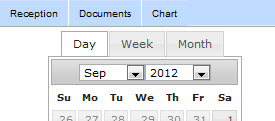
Then click “switch patient” in the top right of the patient summary

- Click next to a patients name
- Double click on a patient appointment
Access from Reception View
If you double click an appointment, it will open the corresponding patient's chart
Quick Access
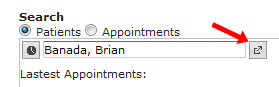
Anytime you see the quick access button next to a patient's name, click it to quickly go to the chart
basics/accessing_patient_charts.1348477722.txt.gz · Last modified: 2012/09/24 09:08 by jackson


