Checking and Filing Away Your Documents
You can:
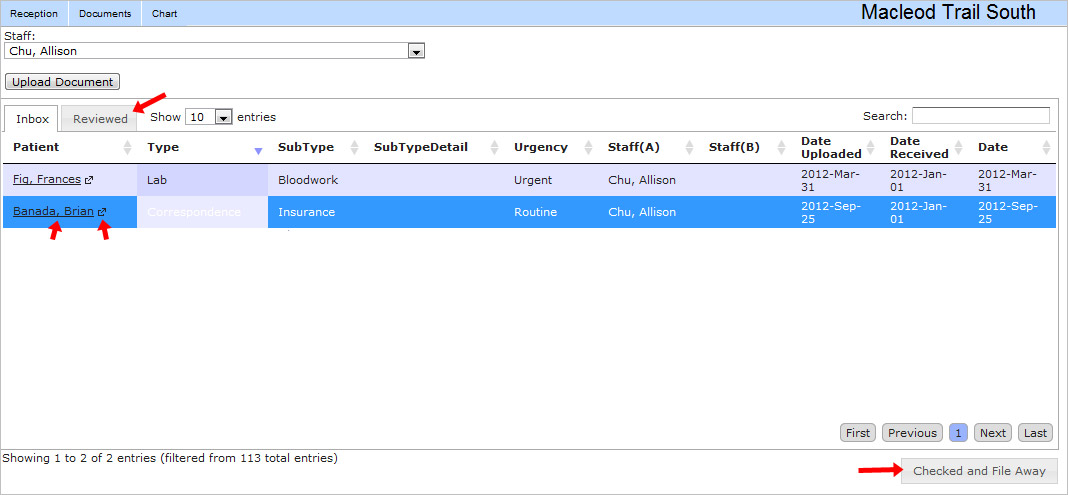
- “Check and file away” reviewed documents.
- Note that reviewed documents will show up in the “Reviewed” tab in the upper left.
- Click on the patient's name to see their demographics
- Click on the little arrow button next to the patient's name to go to their chart.
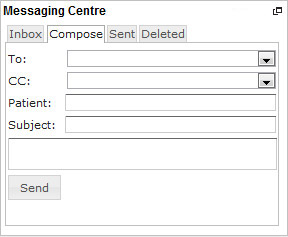
As always, the messaging window is in the bottom left corner. You can send messages regarding your reviewed documents easily.